License & Plans
Understand Free vs Pro, activate your license, and refresh it after upgrading.
Free vs Pro
Every kiosk starts on the Free tier: one event, one frame, and up to 25 images per event. A Pro license unlocks everything below.
| Feature | Free | Pro |
|---|---|---|
| Photo capture & print | ✓ | ✓ |
| QR download / sharing | ✗ | ✓ |
| Retakes | ✗ | ✓ |
| Filters (LUT) | ✗ | ✓ |
| Stickers | ✗ | ✓ |
| Email sharing | ✗ | ✓ |
| Video result & slideshow | ✗ | ✓ |
| Reprint | ✗ | ✓ |
| Payment (PromptPay / card / coupon) | ✗ | ✓ |
| Survey & membership points | ✗ | ✓ |
| Dual camera & manual capture | ✗ | ✓ |
| Events | 1 event | Unlimited |
| Images per event | 25 images | Unlimited |
About the Free limit & Enterprise
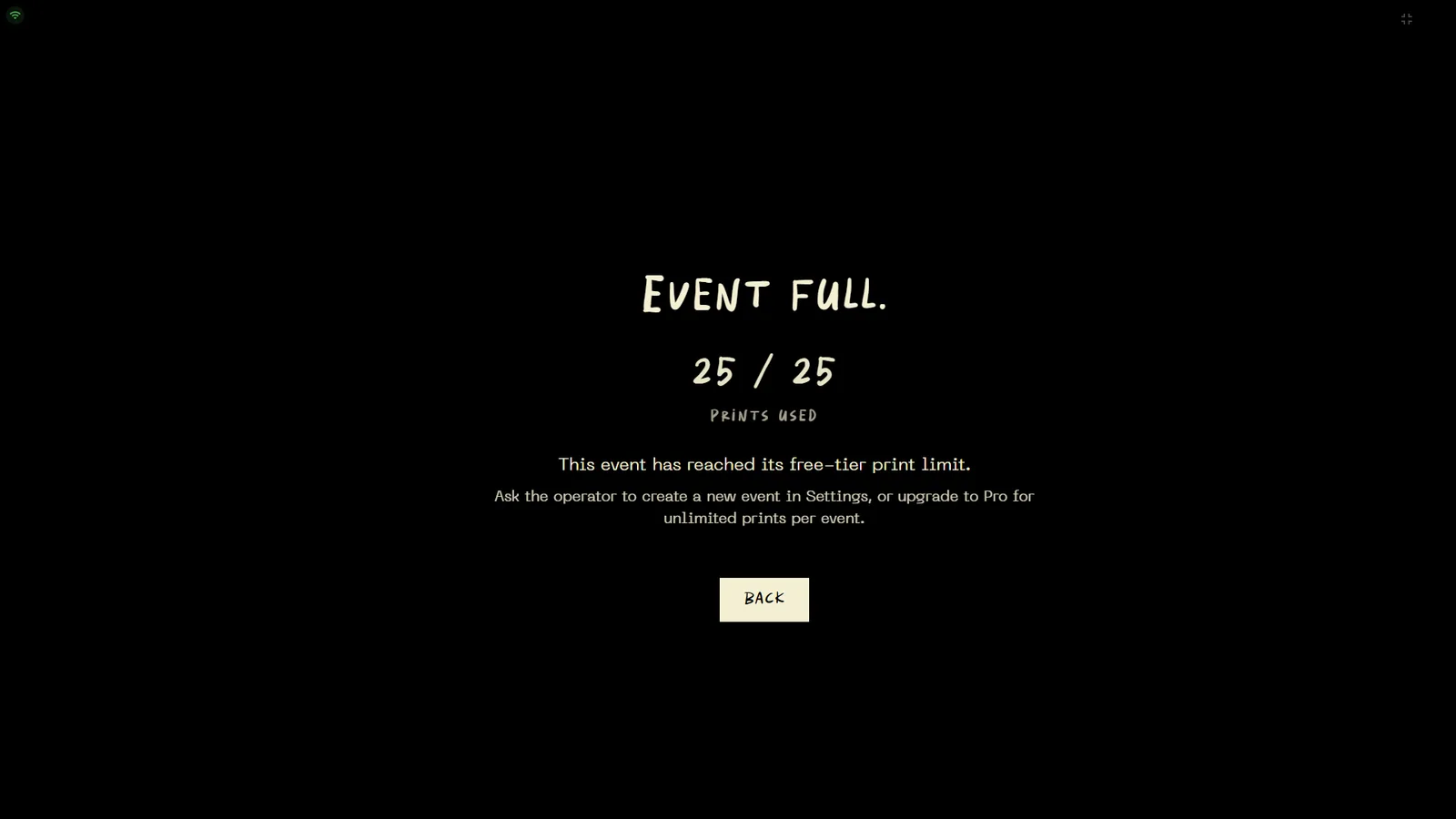
The Free limit resets per event and is enforced entirely offline — reprints count toward it too. When an event fills up, guests see the “Event Full” screen (25/25 used) until the operator creates a new event or upgrades. For teams running multiple kiosks at once there's an Enterprise plan: everything in Pro, with seat counts sized for a fleet.
Activating a license
Sign in on the Account tab
Open Settings (⚙ on the event screen) → ACCOUNT tab, then sign in with your captures.photo account. The kiosk links itself to your subscription.
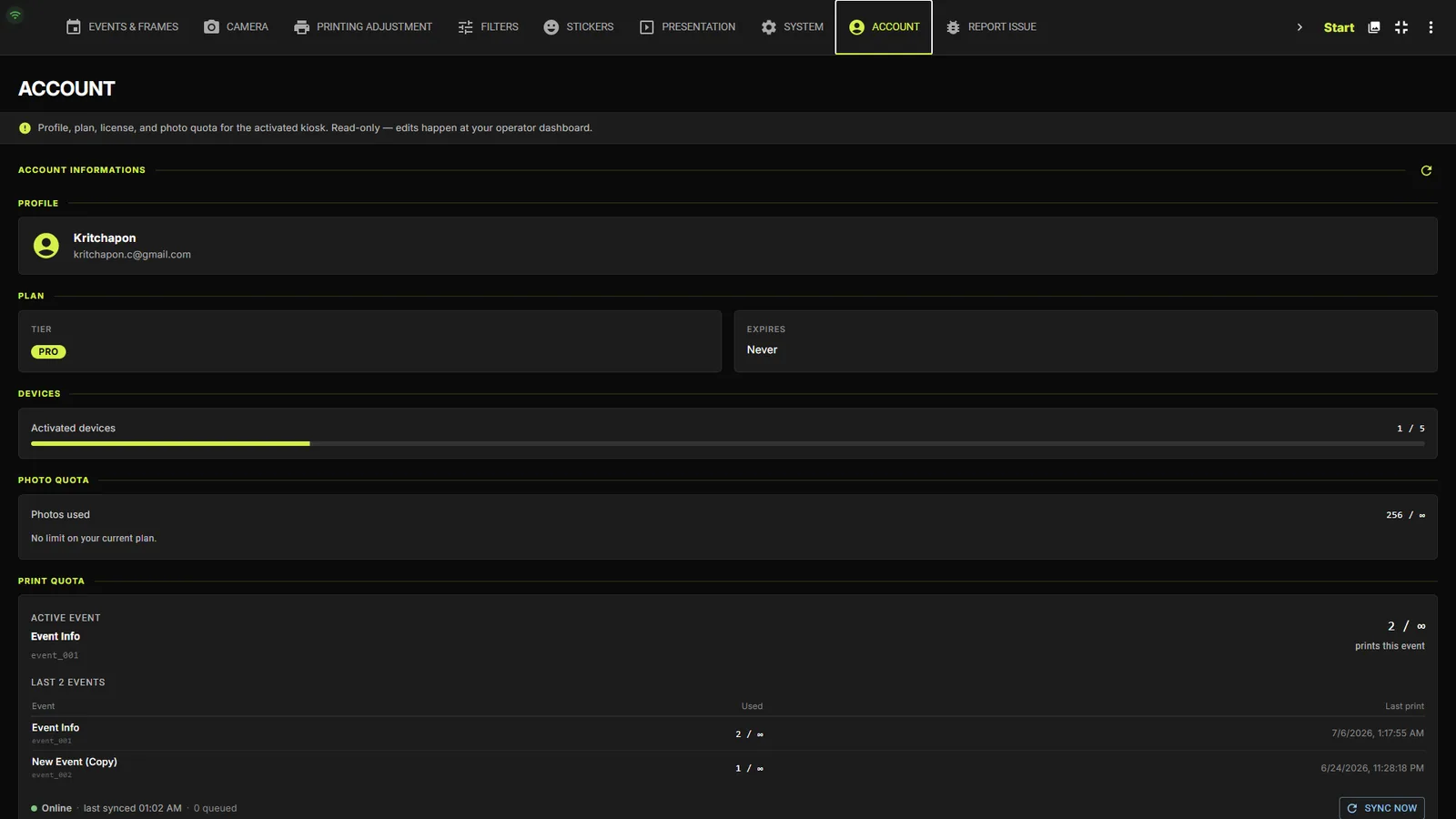
Check your tier on the Account tab
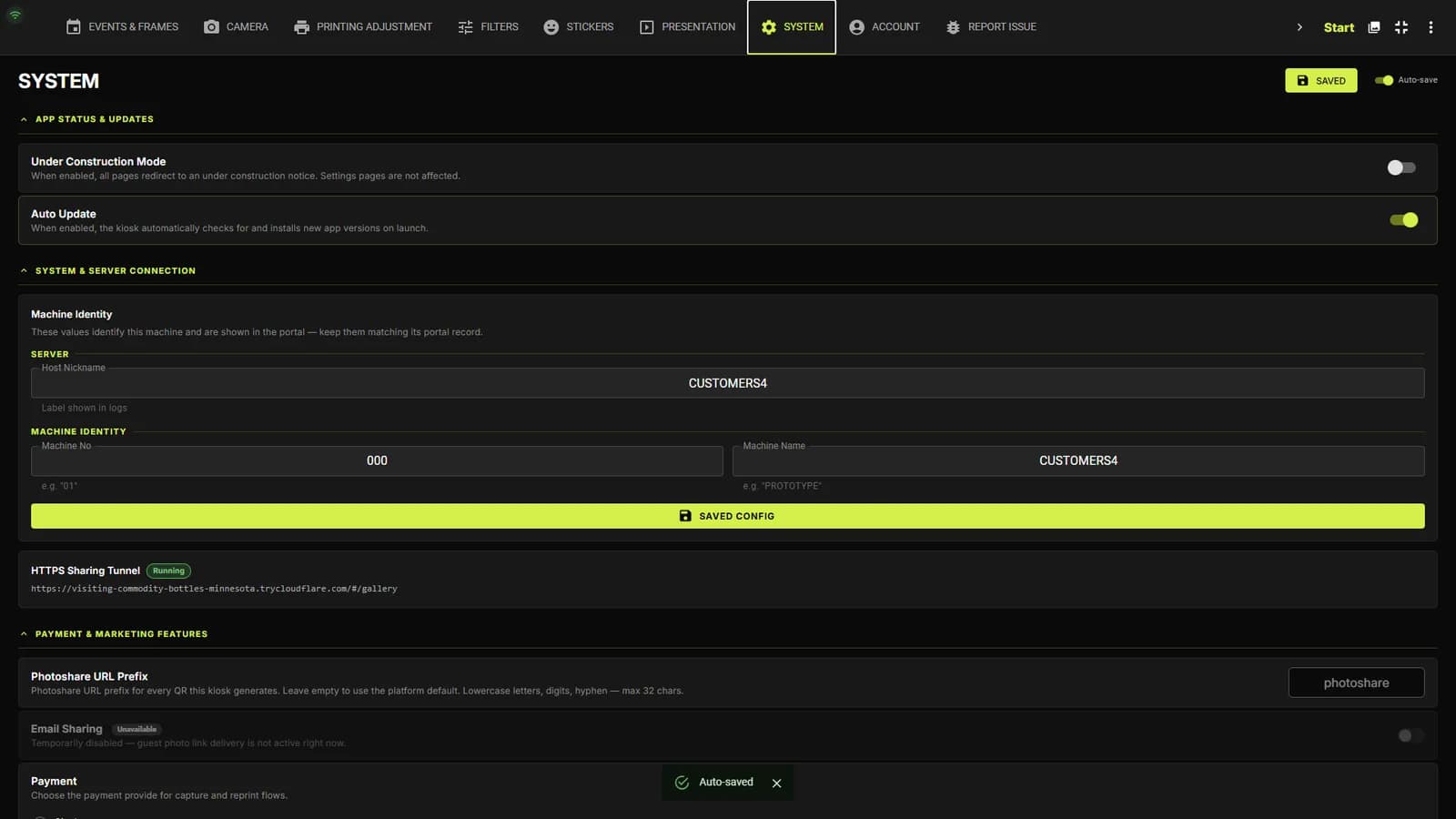
The ACCOUNT tab shows the signed-in operator with their role and current license tier. After upgrading your plan on portal.captures.photo/billing, re-sync the license from the SYSTEM tab's refresh chip if it doesn't update on its own.
TipPro-only controls that your license doesn't include appear disabled with a “(Pro)” label instead of being hidden — so you always know what an upgrade unlocks.
Staying connected
Works offline for up to 3 days
The kiosk checks in with your account roughly once an hour to confirm the plan is active. No internet at the venue? Not a problem — it keeps working normally on the last known plan for up to 3 days before it needs to reconnect, and everything syncs automatically the moment it's back online.