CAP*TURES Booth สำหรับ Windows
ดาวน์โหลดฟรี เปิดงานแรกได้วันนี้
โปรแกรม Photobooth สำหรับ Windows ใช้ถ่าย พิมพ์ และออกแบบเฟรมได้ฟรี พร้อมเมื่อไรค่อยอัปเกรดเป็น Pro เพื่อแชร์ภาพผ่าน QR พิมพ์ไม่จำกัด ใส่ฟิลเตอร์ และอีกมากมาย
CAP*TURES Booth v3.0.33 · Nov 4, 2026 · ตัวติดตั้ง Windows · 265 MB
- ฟรีตลอดไป
- ถ่ายและพิมพ์ได้แม้ออฟไลน์
- อัปเกรดได้ทุกเมื่อ
สเปกเครื่องที่แนะนำWindows 11 (64-bit)Core i7 / Ryzen 7RAM 8 GB (แนะนำ 16 GB)SSD 512 GBดูสเปกทั้งหมด
- ระบบปฏิบัติการ
- Windows 11 (64-bit)
- หน่วยประมวลผล
- Intel Core i7 หรือ AMD Ryzen 7 (8 คอร์ หรือรุ่นที่ใหม่กว่า)
- หน่วยความจำ
- RAM ขั้นต่ำ 8 GB — แนะนำ 16 GB เพื่อประสิทธิภาพสูงสุด
- พื้นที่จัดเก็บ
- SSD ขั้นต่ำ 512 GB
- กราฟิก
- การ์ดจอออนบอร์ด (Intel Iris Xe หรือ AMD Radeon)
- พอร์ตเชื่อมต่อ
- USB-A 2 ช่อง + USB-C 1 ช่อง และอินเทอร์เน็ตแบบสาย LAN
- ไฟและการระบายความร้อน
- โน้ตบุ๊กพัดลมคู่ พร้อมอะแดปเตอร์ 150W
- เครื่องพิมพ์
- DNP, Canon, Epson และเครื่องพิมพ์อื่นที่รองรับ Windows
บันทึกการอัปเดตเวอร์ชันล่าสุด v3.0.33 · Nov 4, 2026ดูทุกเวอร์ชัน
v3.0.33Nov 4, 2026
- Maintenance and stability improvements
v3.0.32Nov 4, 2026
- Add Ksher as a payment provider option
v3.0.31Nov 3, 2026
- FixBug flash not active by Busy
- Grid on img
v3.0.29Oct 20, 2026
- Profile camera switch
v3.0.28Oct 17, 2026
- Send the machine number with every gateway payment
v3.0.27Oct 17, 2026
- Maintenance and stability improvements
v3.0.25Oct 2, 2026
- Send the machine number with the JDB QR request
v3.0.24Sep 27, 2026
- Update margin bottom
v3.0.23Sep 26, 2026
- Consistent button label font weight (600) across guest pages
v3.0.22Sep 25, 2026
- Missed button labels and the rest of the Result page are now editable
- Consistent header font weight with a custom heading font
v3.0.21Sep 24, 2026
- The share QR dialog's text follows Customization → Share QR
- Operator editable text across every customizable page (+ Reprint Welcome)
- Add Reprint Welcome to page customization
v3.0.20Sep 23, 2026
- Theme the payment success page
- Operator text line breaks, and remove the Welcome tint
v3.0.19Sep 22, 2026
- Reprint payment text was white on a themed background
v3.0.18Sep 22, 2026
- Separate negative and positive button customization
- Make Stickers themeable and finish the half converted pages
v3.0.17Sep 18, 2026
- Operator customization — theme, per page copy, fonts and PDPA wording
v3.0.16Sep 16, 2026
- Reading0 after import event
- Payment tiles show the wording the operator chose
- Give every imported event a real, unique eventId
- Port conflict
- Loop GIFs shorter than 3s up to the Instagram minimum
v3.0.15Sep 10, 2026
- Add profile by serial no
v3.0.14Sep 9, 2026
- Event mode
- Update retake time out
- Deterministic GIF assembly + configurable playback speed
v3.0.13Sep 5, 2026
- Template wizard
- Relate member and sx legacy
v3.0.12Sep 3, 2026
- Multi frame print
- Hot fix logout show ever
v3.0.11Aug 16, 2026
- Fix rotation filter page and use true size
- Coupon sixsheet to platform
v3.0.10Aug 14, 2026
- Maintenance and stability improvements
v3.0.9Aug 13, 2026
- Match the kiosk payment list to the portal's exactly
- Add JDB as a payment provider option
v3.0.8Aug 9, 2026
- Hitpay
- Beauty mode
v3.0.7Aug 1, 2026
- Stability and packaging improvements
v3.0.6Jul 31, 2026
- New relay tunnel for sharing — scales past Cloudflare's 1,000-tunnel limit
- Faster online gallery — image thumbnails, lazy loading, and caching cut bandwidth
- Fixed a config import issue
v3.0.5Jul 21, 2026
- Autofocus is now off by default on mirrorless cameras — set focus on the camera body for reliable shots (the AF Failure Mode setting now applies to DSLR only)
- New “Storage Almost Full” warning when opening Settings if the download drive drops below 5% free space
- Added solid frame opacity and first-shot countdown controls, plus a repositioned Retake button
- Background video now follows the selected event
- Stripe payment descriptions now include the machine name and number
v3.0.4Jul 16, 2026
- Added Stripe as a payment gateway — PromptPay QR and card payments via hosted checkout
- Kiosk prices now show in the account's country currency for both Stripe and ChillPay, with the currency set per transaction from the selected frame
- Fixed GIF and slideshow output appearing rotated on rotated-slot layouts
v3.0.3Jul 13, 2026
- Added support for the new print station
v3.0.2Jul 7, 2026
- Fixed black live-view preview when the camera reports busy — the app now shows a notice and retries automatically
- Fixed a late Retake tap after the last shot leaving a transparent slot in the final composite
v3.0.1Jul 5, 2026
- Fixed cameras getting stuck in a busy loop during retakes — the app now re-detects and recovers the camera automatically
- Improved stability when running two cameras on the same machine
v3.0.0Jul 5, 2026
- Offline mode — keep shooting and printing without internet, with license grace period and sync status readout
- Redesigned settings experience with clearer camera and ChillPay payment status
- Improved frame and template designer
- More reliable DSLR capture with automatic recovery when the camera reports busy
- Fixed offline printing being blocked incorrectly by the print quota check
- Easier reprints — printer is resolved from your config with a select dialog fallback
- New Completely Shutter focus mode for body-driven autofocus
- Device seat is released automatically when the operator signs out
เริ่มใช้งานได้ใน 3 ขั้นตอน
- 1
ดาวน์โหลดและติดตั้ง
รันตัวติดตั้งบนเครื่อง Windows ของตู้
- 2
เข้าสู่ระบบ
เปิด Settings → แท็บ ACCOUNT แล้วเข้าสู่ระบบด้วยบัญชี CAP*TURES
- 3
เริ่มถ่ายได้เลย
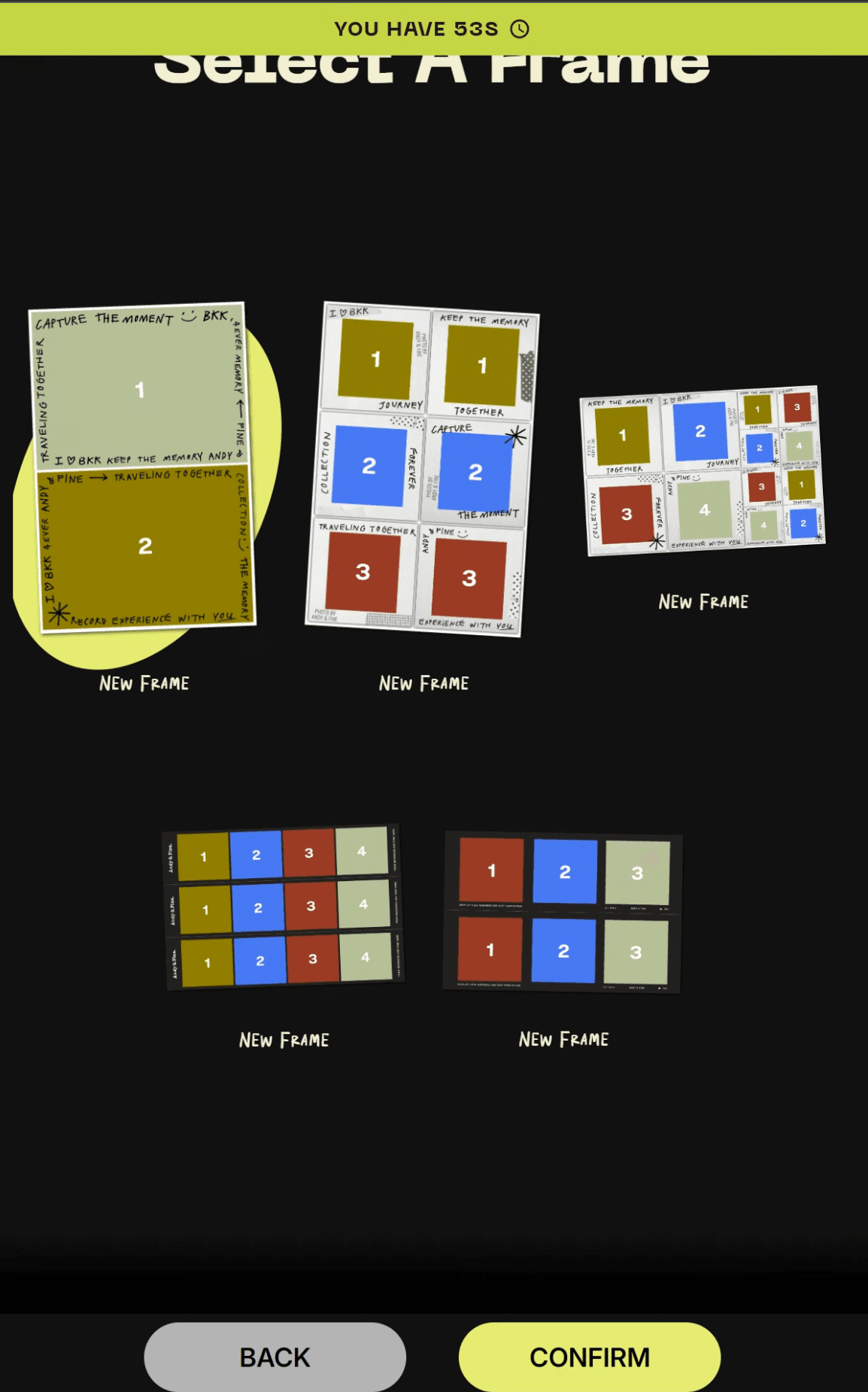
ต่อกล้องและเครื่องพิมพ์ เลือกเฟรม แล้วเปิดงานแรกได้ทันที
Free กับ Pro
เริ่มฟรี โตต่อด้วย Pro
Free
ฟรีตลอดไป
ครบพอให้ลองเปิดงานแรก
- ถ่ายภาพนิ่งและ GIF
- รองรับกล้อง DSLR และเว็บแคม
- พิมพ์ภาพและออกแบบเลย์เอาต์เฟรม
- พิมพ์ได้สูงสุด 25 ใบต่ออีเวนต์
- ทดลองได้ 1 เครื่อง 1 อีเวนต์ 1 เฟรม
ยอดนิยมPro
฿1,499/ เดือน
ต่อเครื่อง · ยังไม่รวม VAT 7%
เปลี่ยนตู้ของคุณให้เป็นธุรกิจจริงจัง
ทุกอย่างใน Free และเพิ่ม:
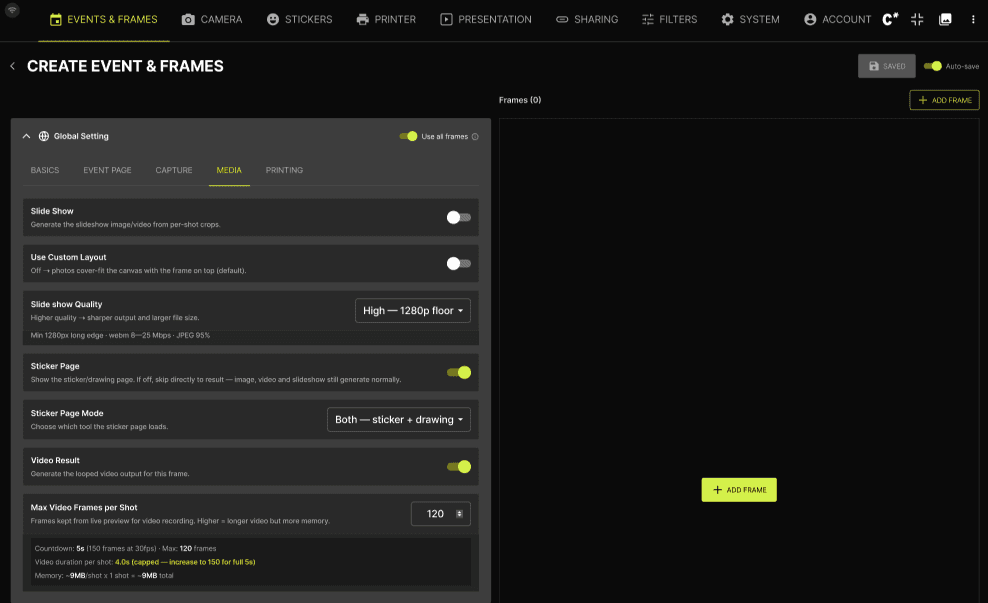
- ถ่ายและพิมพ์ได้ไม่จำกัด
- อีเวนต์และเฟรมไม่จำกัด
- แชร์ภาพผ่าน QR และแกลเลอรีออนไลน์
- ฟิลเตอร์และสติกเกอร์
- Live Photo วิดีโอ และสไลด์โชว์
- ถ่ายใหม่ (Retake) และพิมพ์ซ้ำ (Reprint)
หรือ รายสัปดาห์ ฿599 · รายปี ฿6,990 (ประหยัด 61%)
ชำระเงินใน Dashboard ของ CAP*TURES ผ่าน Thai QR หรือบัตรเปรียบเทียบฟีเจอร์ทั้งหมด