CAP*TURES Booth for Windows
Download free. Run your first event today.
The photobooth app for Windows. Capture, print and design frames for free — go Pro when you're ready for QR sharing, unlimited prints, filters and more.
CAP*TURES Booth v3.0.33 · Nov 4, 2026 · Windows installer · 265 MB
- Free forever
- Capture & print offline
- Upgrade anytime
System requirementsWindows 11 (64-bit)Core i7 / Ryzen 78 GB RAM (16 GB best)512 GB SSDFull specs
- Operating System
- Windows 11 (64-bit)
- Processor
- Intel Core i7 or AMD Ryzen 7 (8 cores or newer)
- Memory
- Minimum 8 GB RAM — Best Performance 16 GB RAM
- Storage
- Minimum 512 GB SSD
- Graphics
- Built-in graphics (Intel Iris Xe or AMD Radeon)
- Connections
- 2 USB-A + 1 USB-C, plus wired internet
- Power & Cooling
- Dual-fan laptop with 150W charger
- Printer
- DNP, Canon, Epson & other Windows-compatible printers
Release notesLatest v3.0.33 · Nov 4, 2026All versions
v3.0.33Nov 4, 2026
- Maintenance and stability improvements
v3.0.32Nov 4, 2026
- Add Ksher as a payment provider option
v3.0.31Nov 3, 2026
- FixBug flash not active by Busy
- Grid on img
v3.0.29Oct 20, 2026
- Profile camera switch
v3.0.28Oct 17, 2026
- Send the machine number with every gateway payment
v3.0.27Oct 17, 2026
- Maintenance and stability improvements
v3.0.25Oct 2, 2026
- Send the machine number with the JDB QR request
v3.0.24Sep 27, 2026
- Update margin bottom
v3.0.23Sep 26, 2026
- Consistent button label font weight (600) across guest pages
v3.0.22Sep 25, 2026
- Missed button labels and the rest of the Result page are now editable
- Consistent header font weight with a custom heading font
v3.0.21Sep 24, 2026
- The share QR dialog's text follows Customization → Share QR
- Operator editable text across every customizable page (+ Reprint Welcome)
- Add Reprint Welcome to page customization
v3.0.20Sep 23, 2026
- Theme the payment success page
- Operator text line breaks, and remove the Welcome tint
v3.0.19Sep 22, 2026
- Reprint payment text was white on a themed background
v3.0.18Sep 22, 2026
- Separate negative and positive button customization
- Make Stickers themeable and finish the half converted pages
v3.0.17Sep 18, 2026
- Operator customization — theme, per page copy, fonts and PDPA wording
v3.0.16Sep 16, 2026
- Reading0 after import event
- Payment tiles show the wording the operator chose
- Give every imported event a real, unique eventId
- Port conflict
- Loop GIFs shorter than 3s up to the Instagram minimum
v3.0.15Sep 10, 2026
- Add profile by serial no
v3.0.14Sep 9, 2026
- Event mode
- Update retake time out
- Deterministic GIF assembly + configurable playback speed
v3.0.13Sep 5, 2026
- Template wizard
- Relate member and sx legacy
v3.0.12Sep 3, 2026
- Multi frame print
- Hot fix logout show ever
v3.0.11Aug 16, 2026
- Fix rotation filter page and use true size
- Coupon sixsheet to platform
v3.0.10Aug 14, 2026
- Maintenance and stability improvements
v3.0.9Aug 13, 2026
- Match the kiosk payment list to the portal's exactly
- Add JDB as a payment provider option
v3.0.8Aug 9, 2026
- Hitpay
- Beauty mode
v3.0.7Aug 1, 2026
- Stability and packaging improvements
v3.0.6Jul 31, 2026
- New relay tunnel for sharing — scales past Cloudflare's 1,000-tunnel limit
- Faster online gallery — image thumbnails, lazy loading, and caching cut bandwidth
- Fixed a config import issue
v3.0.5Jul 21, 2026
- Autofocus is now off by default on mirrorless cameras — set focus on the camera body for reliable shots (the AF Failure Mode setting now applies to DSLR only)
- New “Storage Almost Full” warning when opening Settings if the download drive drops below 5% free space
- Added solid frame opacity and first-shot countdown controls, plus a repositioned Retake button
- Background video now follows the selected event
- Stripe payment descriptions now include the machine name and number
v3.0.4Jul 16, 2026
- Added Stripe as a payment gateway — PromptPay QR and card payments via hosted checkout
- Kiosk prices now show in the account's country currency for both Stripe and ChillPay, with the currency set per transaction from the selected frame
- Fixed GIF and slideshow output appearing rotated on rotated-slot layouts
v3.0.3Jul 13, 2026
- Added support for the new print station
v3.0.2Jul 7, 2026
- Fixed black live-view preview when the camera reports busy — the app now shows a notice and retries automatically
- Fixed a late Retake tap after the last shot leaving a transparent slot in the final composite
v3.0.1Jul 5, 2026
- Fixed cameras getting stuck in a busy loop during retakes — the app now re-detects and recovers the camera automatically
- Improved stability when running two cameras on the same machine
v3.0.0Jul 5, 2026
- Offline mode — keep shooting and printing without internet, with license grace period and sync status readout
- Redesigned settings experience with clearer camera and ChillPay payment status
- Improved frame and template designer
- More reliable DSLR capture with automatic recovery when the camera reports busy
- Fixed offline printing being blocked incorrectly by the print quota check
- Easier reprints — printer is resolved from your config with a select dialog fallback
- New Completely Shutter focus mode for body-driven autofocus
- Device seat is released automatically when the operator signs out
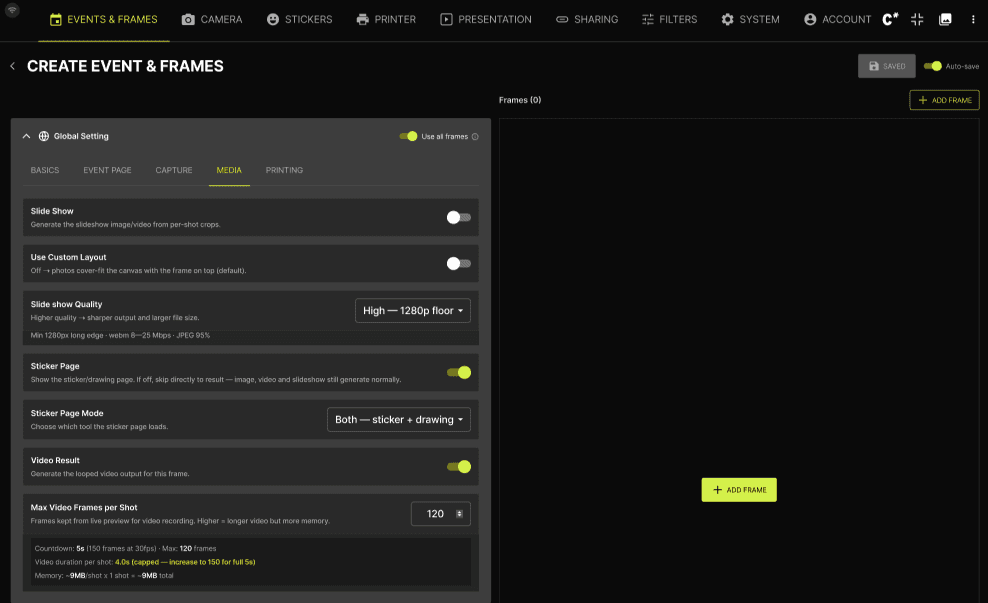
Up and running in 3 steps
- 1
Download & install
Run the installer on your booth's Windows PC.
- 2
Sign in
Open Settings → ACCOUNT and sign in with your CAP*TURES account.
- 3
Start shooting
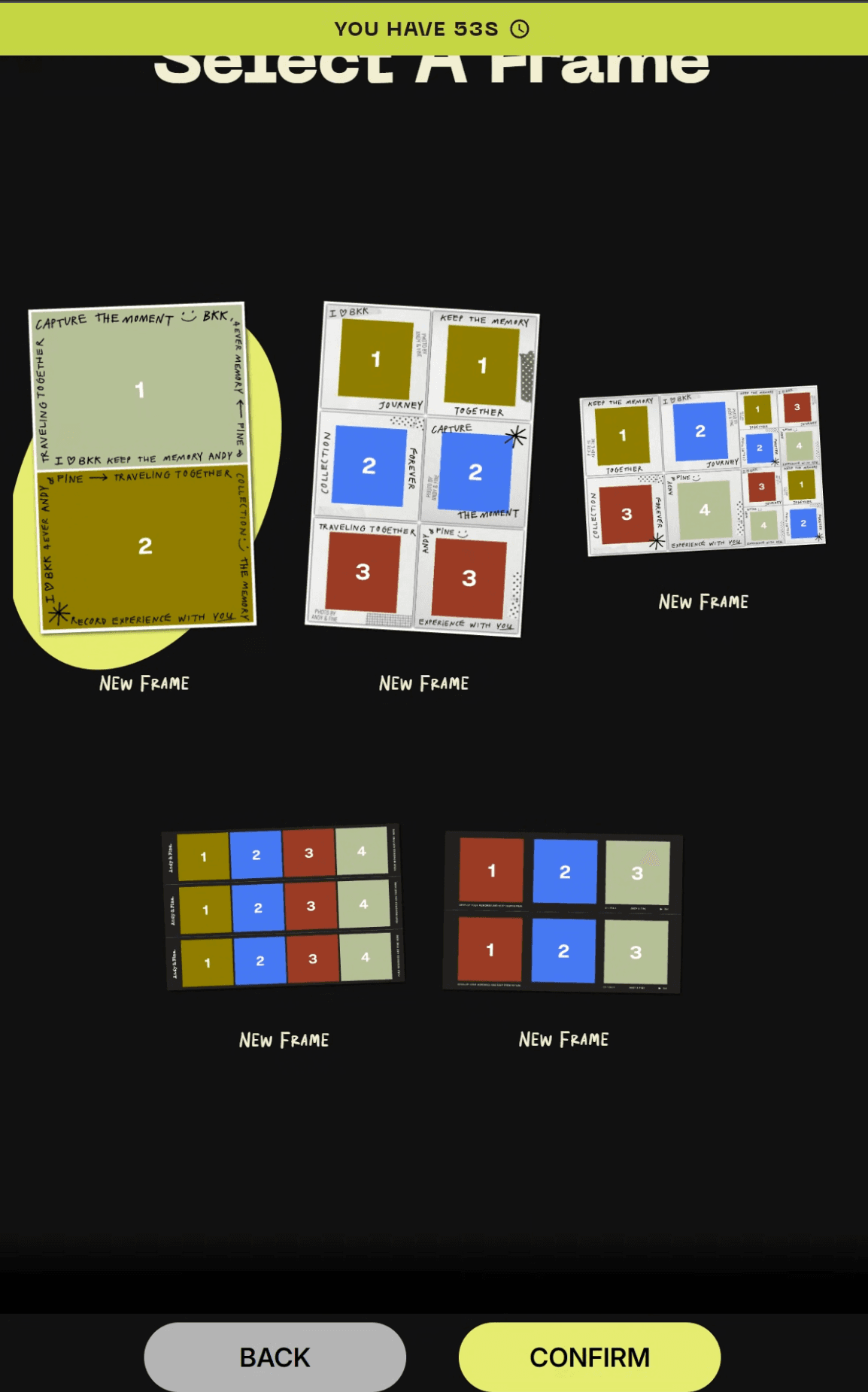
Connect your camera and printer, pick a frame and open your first event.
Free vs Pro
Start free. Grow with Pro.
Free
Freeforever
Everything you need to try your first event.
- Photo & GIF capture
- DSLR & webcam support
- Printing & frame layout design
- Up to 25 prints per event
- 1 machine, 1 event & 1 frame to try
Most popularPro
฿1,499/ month
per machine · excl. 7% VAT
Turn your booth into a real business.
Everything in Free, plus:
- Unlimited captures & prints
- Unlimited events & frames
- QR sharing & online gallery
- Filters & stickers
- Live photo, video & slideshow
- Retakes & reprints
Or weekly ฿599 · yearly ฿6,990 (save 61%)
Pay in your CAP*TURES dashboard by Thai QR or card.Compare every feature